Entry 01 Procedure
Descaling, done the way the manual intends
Mineral crust builds quietly inside any steam appliance, and much of Orange County's tap supply carries a fair load of it. Your oven tracks its own steam use and flags a descale when its counter says so. Treat that prompt as routine maintenance, keep the owner's manual within reach, and let the manual settle any question about product and dilution for your model.
-
Begin cold and clear
Give the cavity and boiler time to lose all their heat after the last meal. Pull out racks, trays and probes so drips during the cycle land somewhere you can see them.
-
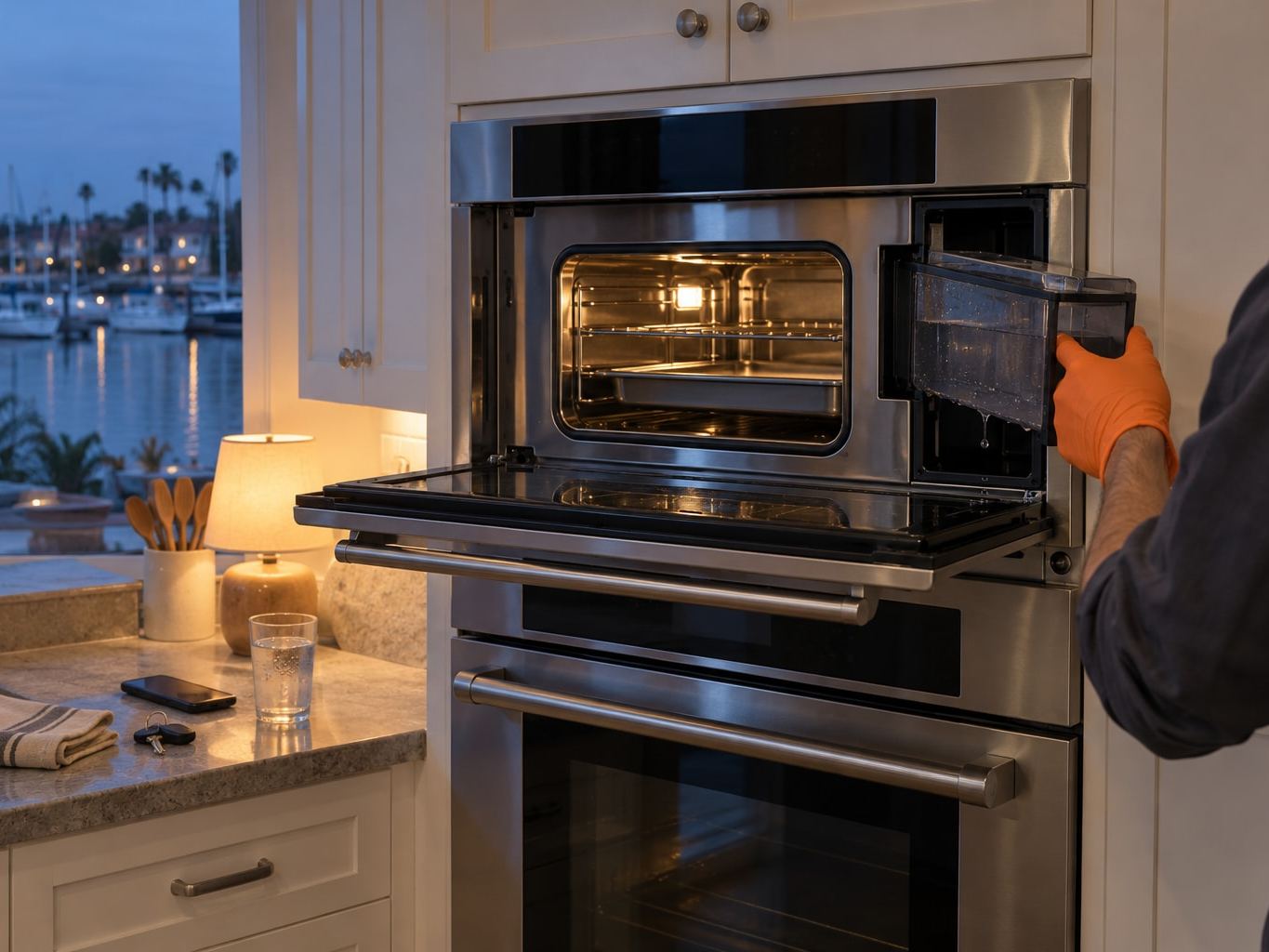
Dump and rinse the water tank
Tip out whatever is left, rinse the tank at the sink and look over its gasket and outlet for chalky residue. A tank that clicks in loosely often explains false low-water messages down the line.
-
Measure the descaler the manual specifies
Stick to the product and mixing ratio printed in your manual. Vinegar and generic kettle descalers tend to foam, linger as a smell, or attack rubber parts, which is a poor trade for a few saved dollars.
-
Launch the descaling routine itself
Pick the descaling function in the settings, not an ordinary steam setting. The display walks you through it and will stop to ask for the tank to be emptied and refilled with plain water for the flushing passes.
-
Flush, dry and prop the door
Once it reports done, empty the tank one more time, run a soft cloth around the interior and the rubber seal, then leave the door open a crack so trapped humidity can escape.
-
Judge the result
A descale prompt that comes straight back, a cycle that aborts with a message, or thin steam even after flushing all mean the problem has moved past upkeep. Ring (949) 623-3277 at that stage.